Cutting out the Pieces on the Laser Cutter
Getting the Design Files
The design files are part of this book. Click a file to open the SVG in your browser, or save it and send it to the laser cutter. To download every file at once, use DesignFiles.zip.
DesignFiles.zip is that same set of files, for when you want them all in one download.
Determining What Design Files you Need
There is more than one design file because there are variations on the design and there are too many parts to print on one sheet of plywood so you need to print it as two pieces. In the simplest possible case you only need the following two files
- Leaves.svg – This contains a layout for all the leaves of the tree (and one extra piece), laid out on for a 1’ x 2’ piece of material.
- AllButLeaves.svg – This contains a layout of everything else needed again, laid out on a 1’ x 2’ piece of material.

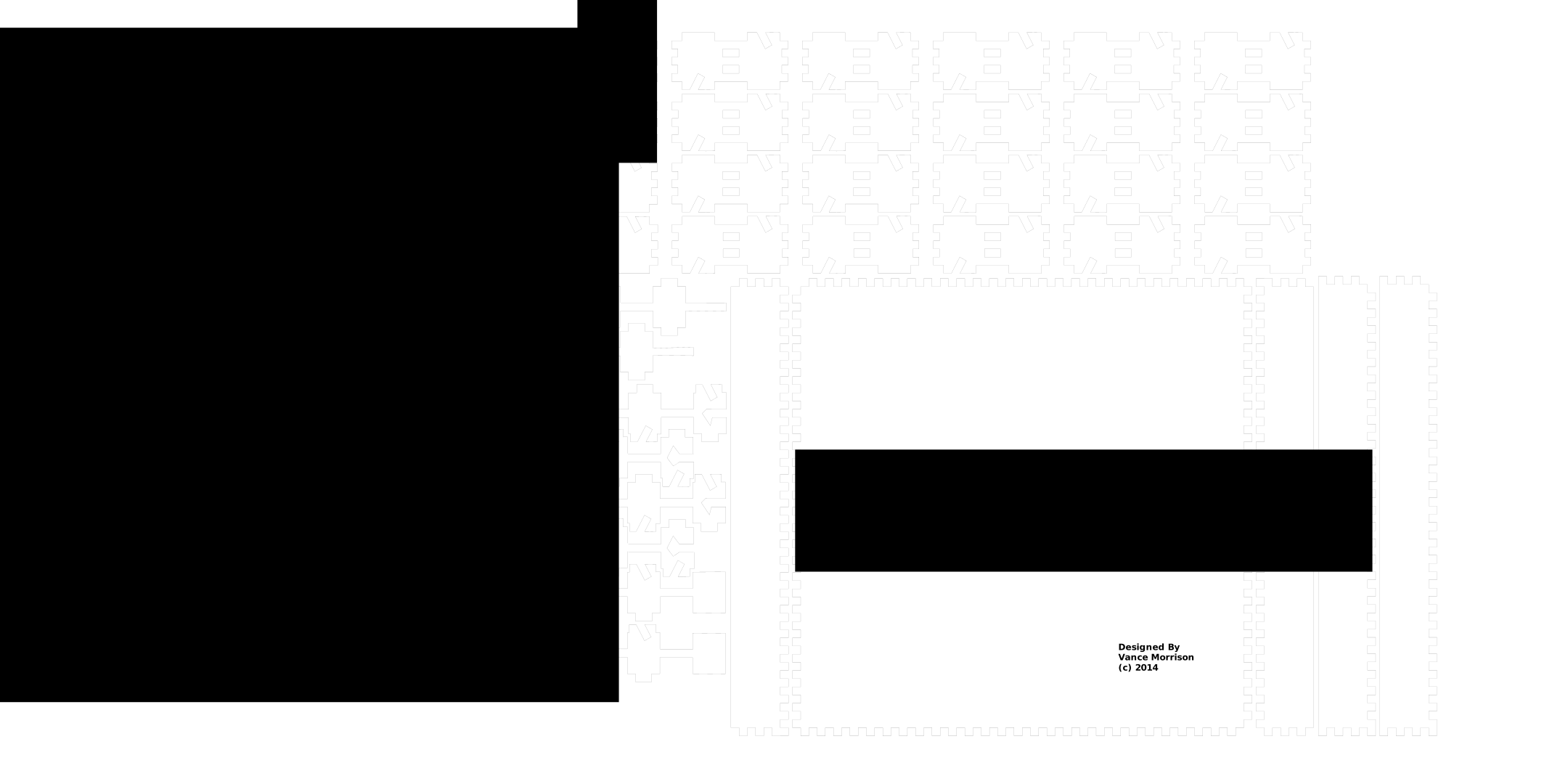
Thus if you buy/cut two 1’ x 2’ x 1/8” pieces of plywood you can simply print these two files. This is what the rest of the instructions illustrate.
The design above goes to some trouble to break the long ‘spine’ of the tree into pieces so that no piece is longer than 1 foot. This was to allow scaling up (e.g. using ¼ material), and to allow small pieces of wood/plastic to be used. It is also convenient if you wish to mail the unassembled tree to a friend for assembly as it is easier to find boxes that fit 1’ things rather than 2’ things. However, breaking the spin into pieces does slightly complicate assembly (you have to glue together the spine pieces). If you have 1’ x 2’ sheets you can fit the splines on the sheet without breaking them into pieces, and thus avoid the complication of reassembling them. To handle this case you can simply substitute the following file for AllButLeaves.svg.
- AllButLeavesLong.svg - Like its names implies it contains all the pieces except the leaves but the spine pieces are in one piece (they are long).
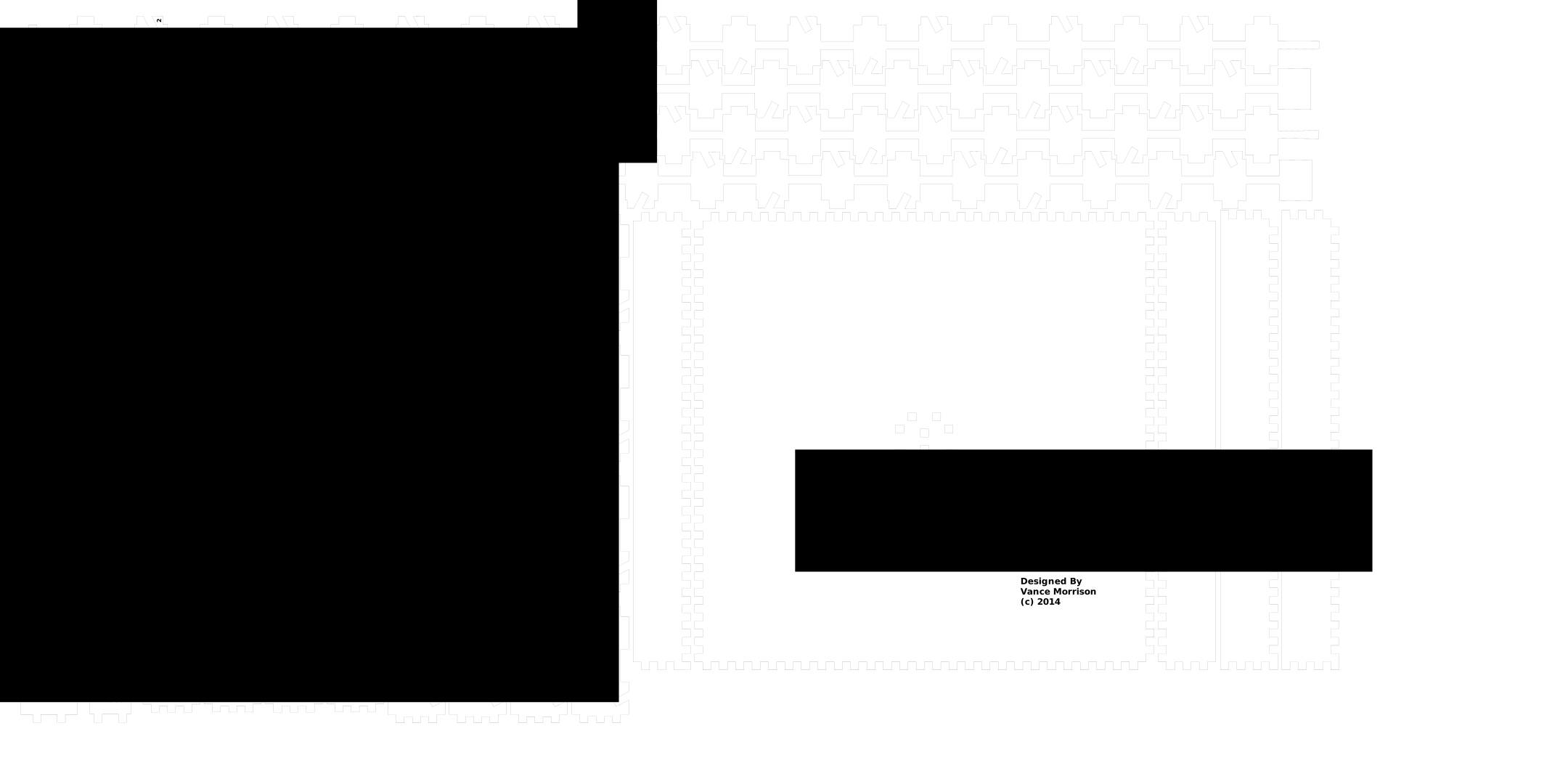
Finally, while breaking the project into two files is convenient for actual printing, it is inconvenient for design, since you would like all the pieces to be in a single file. So we also include the following files that have all the pieces in a single file and are meant to be used when modifying the design in a significant way. They are there mostly for advanced users who want to fiddle with the design, so you may not need them.
- MarbleTreeDesign.svg - All the pieces need in one file, SVG file. The spines are broken into pieces.
- MarbleTreeDesignLong.svg – All the pieces needed in one SVG. The spines are one long piece
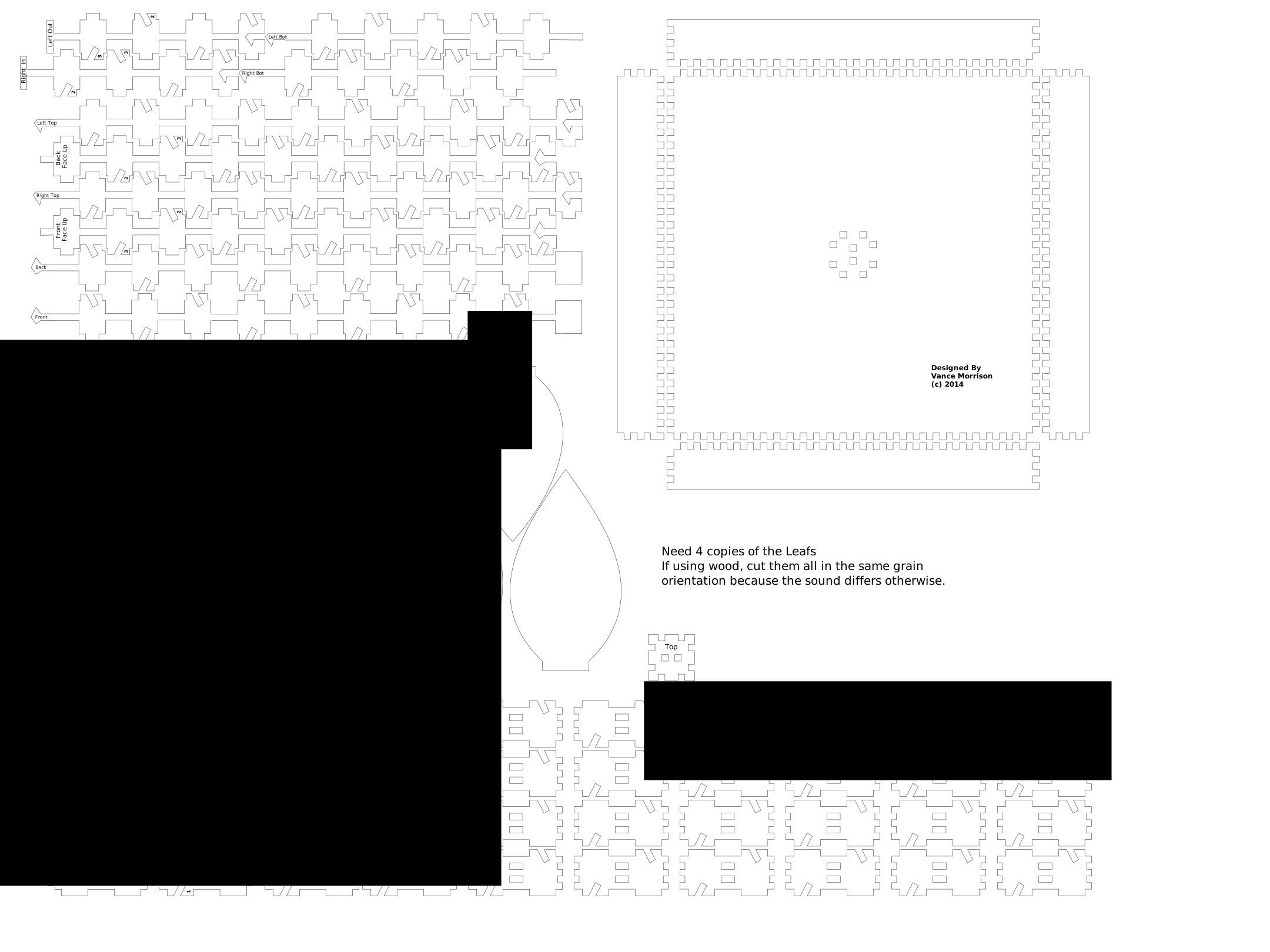
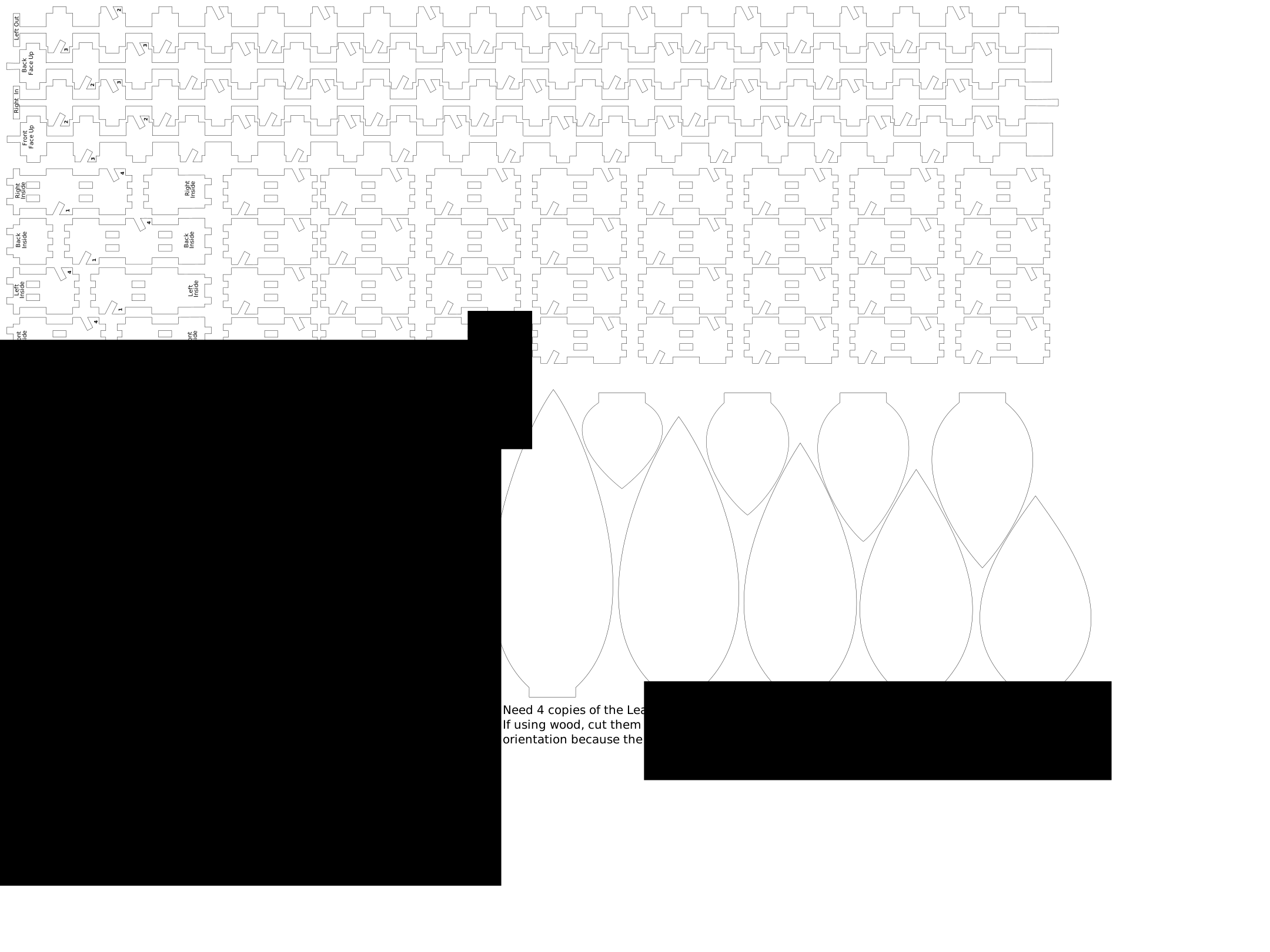
These MarbleTreeDesign* files are optimized for editing. In particular it is hard to see very fine lines in the editor, so the line with in these designs files are .05” rather than .001”. This MUST BE CHANGED BEFORE PRINTING. You need to select all objects, and set the line width to .001” (see below).